

Notability is a popular note-taking and annotation app used by students, professionals, and everyday users alike. It is an advanced tool for creating, organizing, and sharing documents, and its features are always evolving. One of the most important aspects of Notability is its file storage system, which can be confusing to understand. This article provides an overview of the file locations and details of Notability’s file storage system.
Notability File Locations
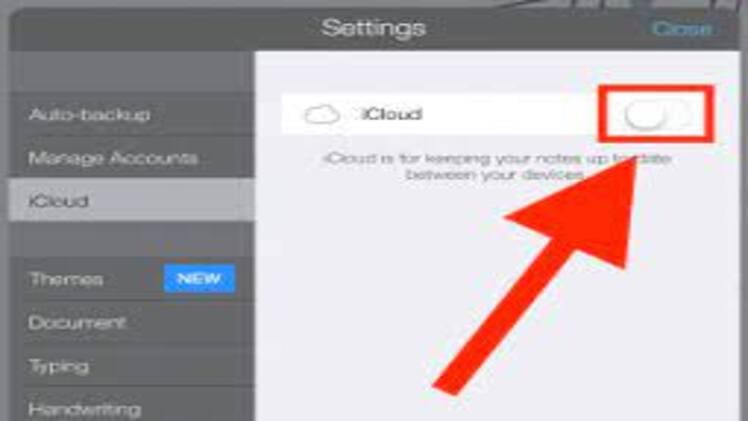
Notability files are stored in two main locations: iCloud Drive and the local device. Files stored in iCloud Drive are accessible from any device that is logged into the same iCloud account, while files stored on the local device are only accessible from that device. Additionally, Notability allows users to store files in third-party storage services such as Dropbox, Google Drive, and Box.
When files are saved in iCloud Drive, they are stored in the Notability folder, which is located in the iCloud Drive section of the Files app. Files stored on the local device are stored in the Notability folder in the local device’s Documents folder. Files stored in third-party storage services are stored in the respective service’s folder.
Details of Notability File Storage
Notability files are stored as .note files, which are compressed archives that can contain text, images, audio recordings, and other types of data. Notability also stores a thumbnail image of the file in the local device’s Photos app.
Notability files can be shared with other users via email, AirDrop, and other sharing services. They can also be exported as PDFs, plain text files, or other file formats. Additionally, Notability allows users to password-protect their files to ensure privacy.
Notability’s file storage system is robust and secure, and provides users with the flexibility to store their files in multiple locations. With its intuitive design and powerful features, Notability is a great tool for creating, organizing, and sharing documents.