

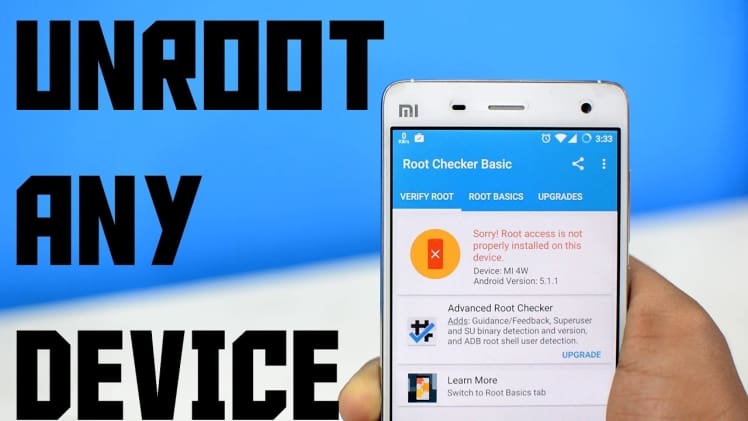
Android Rooting is the process of gaining access to the root user account on an Android device. It is a process that allows users to gain root access on their device, which gives them more control over their device and allows them to customize it to their liking. Rooting a device can be done for a variety of reasons, including increasing the device’s performance, installing custom ROMs, and more. However, rooting a device also comes with risks, such as voiding the warranty and potentially damaging the device. For this reason, it is important to understand the process of rooting and unrooting a device before attempting it.
What is Android Rooting?
Android Rooting is the process of gaining access to the root user account on an Android device. It is a process that allows users to gain root access on their device, which gives them more control over their device and allows them to customize it to their liking. Rooting a device can be done for a variety of reasons, including increasing the device’s performance, installing custom ROMs, and more.
To root an Android device, the user must first unlock the device’s bootloader, which is a process that requires users to enter a code into the device. Once the bootloader is unlocked, the user can then install a custom recovery image, which is a modified version of the device’s stock recovery image. This custom recovery image allows the user to flash a custom ROM, which is a modified version of the device’s stock firmware. The user can then flash a custom kernel, which is a modified version of the device’s stock kernel.
Once the device is rooted, the user has full control over their device, including the ability to install custom ROMs, kernels, and other modifications. However, it is important to note that rooting a device can void the device’s warranty and potentially damage the device, so it is important to understand the risks before attempting to root a device.
Unrooting an Android Device
Unrooting an Android device is the process of reversing the rooting process and restoring the device to its stock firmware. To unroot an Android device, the user must first boot into the device’s custom recovery image and then flash the stock recovery image. Once the stock recovery image is installed, the user can then flash the stock firmware, which will restore the device to its original state.
Once the device is unrooted, the user can no longer access the root user account or make any modifications to the device. It is important to note that unrooting a device does not necessarily restore the device’s