

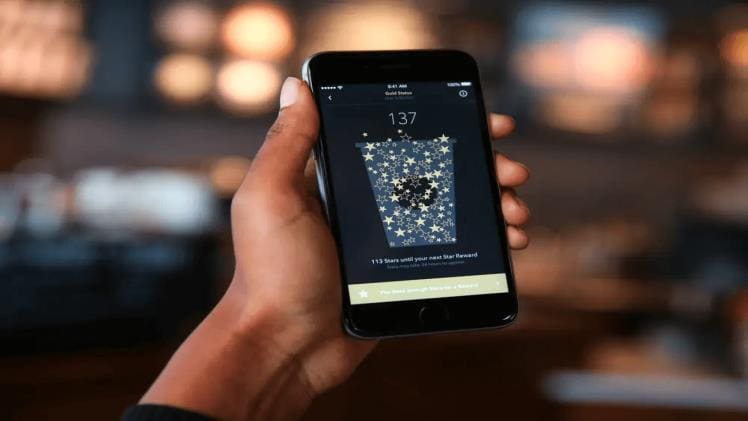
If you use the Starbucks App to pay for your coffee, you may be wondering where you can find a receipt for your purchase. In this article, we will discuss what Starbucks App receipts are and where you can find them.
What Are Starbucks App Receipts?
Starbucks App receipts are digital records of your purchase. They are stored within the Starbucks App and can be accessed at any time. The receipts contain all the details of your purchase, including the date and time of purchase, the type of item purchased, and the total amount paid.
Where Can You Find Them?
The easiest way to find your Starbucks App receipts is to open the Starbucks App and log in. Once you are logged in, navigate to the “My Account” tab and select the “Order History” option. Here you will see a list of all your past orders. By selecting an individual order, you can view the receipt for that purchase.
You can also access your receipts from the Starbucks website. Log in to your account and navigate to the “Order History” section. Here you can view all your past orders and select a receipt to view.
In conclusion, Starbucks App receipts are digital records of your purchase stored within the Starbucks App. To view your receipts, log in to the Starbucks App or website and navigate to the “Order History” section. From here, you can select an individual order and view the receipt for that purchase.