

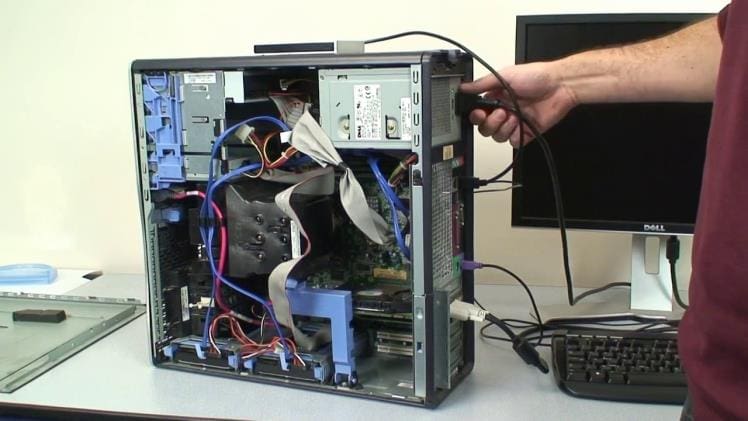
Building and taking apart a computer is a great way to understand the components of a computer and how they interact with each other. It can help you identify potential problems and identify compatible hardware for your machine. This article will provide an overview of the steps involved in assembling and disassembling a computer.
Assembling a Computer
Assembling a computer requires some technical knowledge, but it can be done with the right tools and instructions. First, you will need to choose the components that you want to include in your machine. This includes the CPU, GPU, RAM, motherboard, power supply, and any other components that you want to include. Once you have chosen the components, you will need to install them into the case. This will involve unscrewing the case and installing the components into the designated slots. Once all of the components are installed, you will need to connect them to the motherboard. This includes connecting the power supply, CPU, GPU, RAM, and any other components. Finally, you will need to install the operating system and any other software that you want to use.
Disassembling a Computer
Disassembling a computer is the process of removing all of the components from the case. This is generally done when you want to upgrade or replace certain components, or if you want to move the machine to a different location. The first step is to disconnect all of the cables from the motherboard, including the power supply, CPU, GPU, RAM, and any other components. Next, you will need to unscrew the case and remove all of the components. Finally, you will need to carefully store the components in an anti-static bag.
Assembling and disassembling a computer can be a daunting task, but with the right tools and instructions it can be done with relative ease. It can help you to identify potential problems and upgrade your machine to the latest hardware. Understanding the components of a computer and how they interact with each other is an important part of keeping your machine running smoothly.