

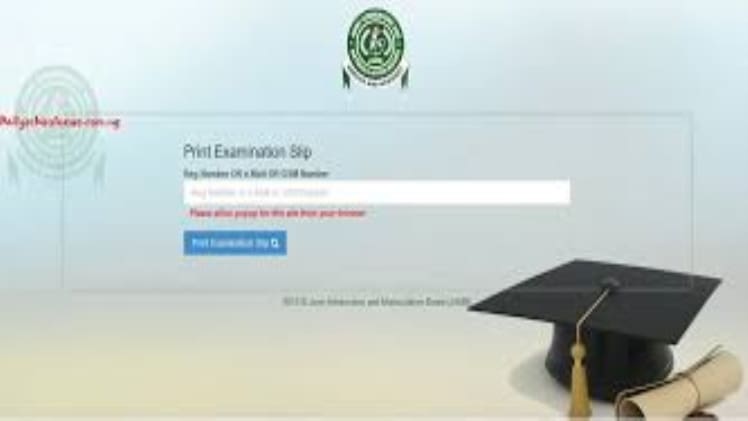
A JAMB slip is a printed document that shows the details of a candidate’s registration for the Unified Tertiary Matriculation Examination (UTME). It is an important document that provides evidence of a candidate’s registration for the UTME and also contains vital information such as the candidate’s name, centre, registration number, and examination date. If you have lost or misplaced your JAMB slip, you may need to reprint it.
Reprinting Your Jamb Slip
Reprinting your JAMB slip is a simple process. First, you will need to visit the official JAMB website at www.jamb.gov.ng. Once you are on the website, click on the “e-facility” tab and then select “Print Examination Slip”. You will then be prompted to enter your JAMB registration number and a One-Time Password (OTP). The OTP will be sent to your registered phone number. Once you have entered the correct details, your JAMB slip will be displayed on the screen. You can then take a printout of it or save it as a PDF file on your computer.
How to Retrieve Your Jamb Slip
If you have lost or misplaced your JAMB slip, you can retrieve it by visiting any JAMB accredited centre. You will need to provide the centre with your JAMB registration number and other personal details. The centre will then be able to retrieve your JAMB slip and provide you with a printed copy.
Reprinting or retrieving your JAMB slip is a straightforward process. All you need to do is to visit the JAMB website or an accredited centre and provide the necessary details. Once you have done this, you will be able to access your JAMB slip.