

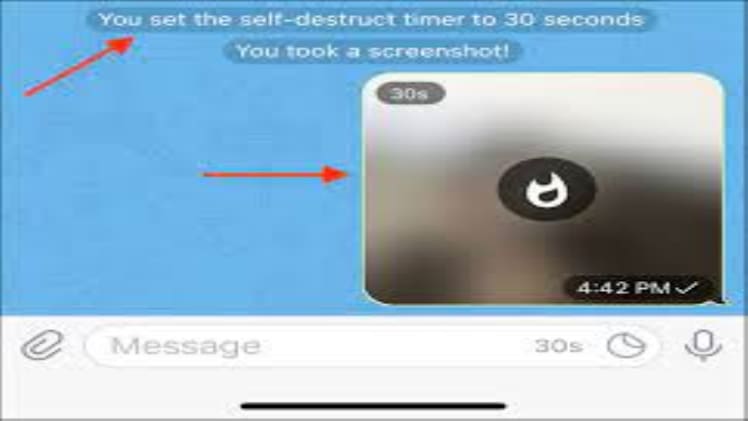
Do you want to send sensitive images without worrying about them being stored? Telegram, the popular messaging application, has just the feature for you. Telegram allows you to send self-destructing images that automatically get deleted after a set amount of time. In this article, we will discuss how to send self-destructing images on Telegram.
Sending Self Destructing Pic on Telegram
Sending an image with a self-destruct timer is a straightforward process on Telegram. You can do this by taking a few simple steps.
Step 1:
Open the Telegram app and select the person you want to send the image to. You can also select a group of people.
Step 2:
Tap the paperclip icon to open the attachment menu. Select the ‘Photo and Video’ option from the list.
Step 3:
Choose the image you want to send and tap the ‘Timer’ icon at the bottom of the screen. A drop-down menu will appear.
Step 4:
Select the amount of time for which the image should be available. You can choose from 5 seconds, 1 minute, 1 hour, 1 day, or 7 days.
Step 5:
Once you have selected the amount of time, tap the ‘Send’ button. The image will be sent with a self-destruct timer.
Step 6:
The recipient will receive the image, and they will have the same amount of time as you set to view it before it gets deleted.
In this way, you can easily send self-destructing images on Telegram. This feature is a great way to make sure that the images you send remain secure and private. You can also use this feature to send images that are humorous or embarrassing without worrying about them being stored.