

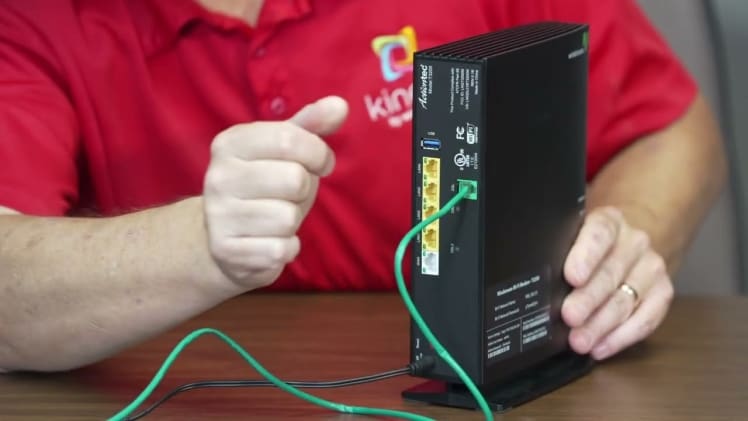
Having a reliable and secure network connection is essential for most people. Windstream routers are a great choice for setting up a home or small business network. However, if you’re having problems with your router, you may need to reset it. Resetting a Windstream router is a simple process that can help get your network back up and running.
Resetting a Windstream Router
Resetting a Windstream router is a straightforward process. It involves pressing and holding the reset button on the router for a few seconds. This will cause the router to reset to its factory settings, which can help fix any problems you may be having with your network.
Step-by-Step Instructions
- Locate the reset button on your Windstream router. It is usually located on the back of the router and is labeled “reset” or “restore factory settings.”
- Use a paperclip or a similar small object to press and hold the reset button for 10-15 seconds.
- After 10-15 seconds, release the reset button. The router will now reset to its factory settings.
- Reconnect to the router with your computer or device. You may need to enter the router’s default password, which is usually printed on the router itself.
- Once you are connected to the router, you can log in and set up your network again.
Resetting a Windstream router is a simple process that can help get your network back up and running. With the step-by-step instructions above, you can easily reset your Windstream router and start using it again.